


, you’re)
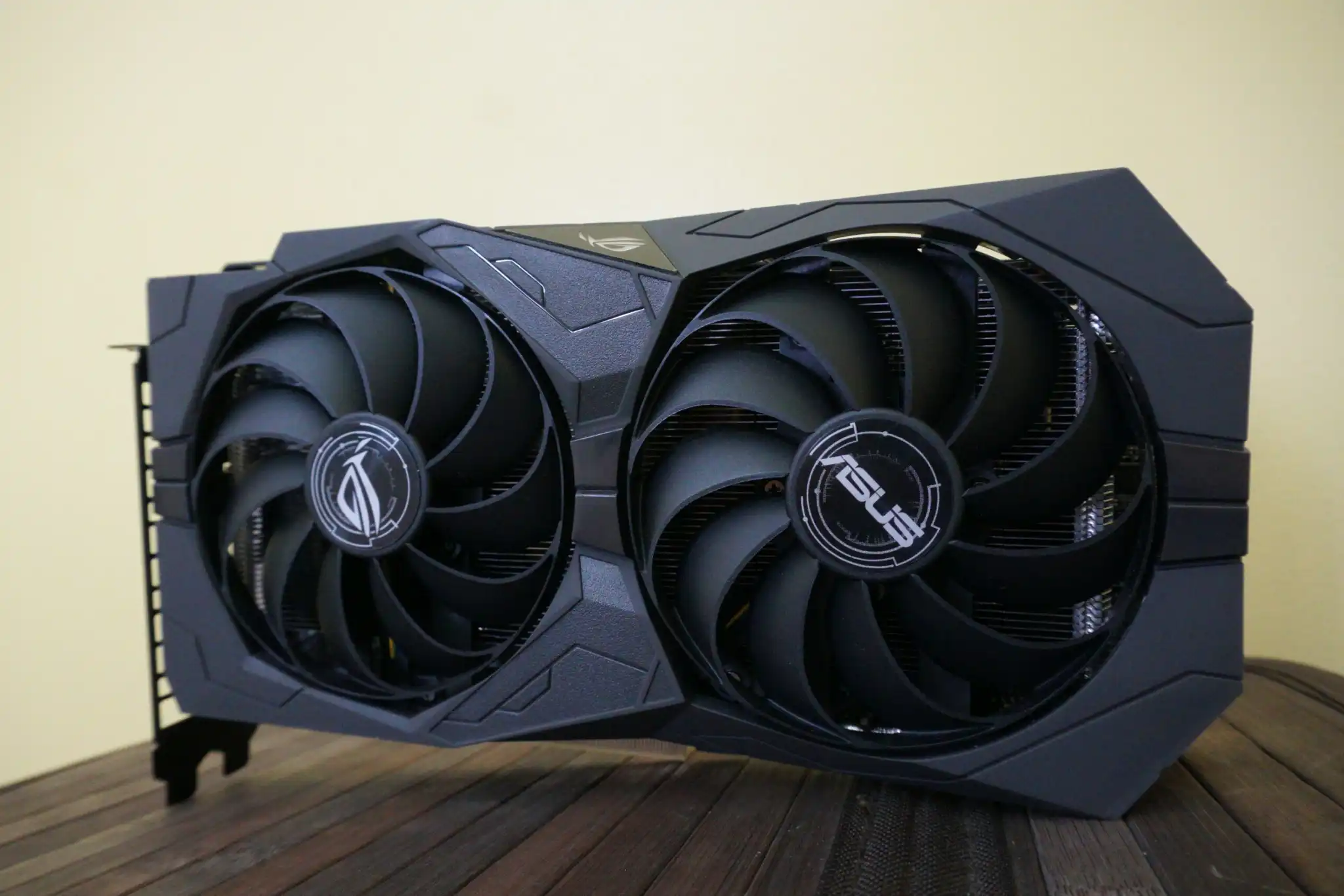
Is the GTX 1650 good for AutoCAD? If you’re considering venturing into the world of Computer-Aided Design (CAD), you’re likely familiar with AutoCAD, one of the leading software solutions for drafting precise 2D and 3D models. Whether you’re an aspiring architect, engineer, or a seasoned professional, the performance of your PC’s graphics card (GPU) can make or break your experience. This article will delve into the suitability of the NVIDIA GeForce GTX 1650 for running AutoCAD and provide insights into its performance for various use cases.
AutoCAD Overview
AutoCAD by Autodesk is an industry-standard tool widely used across various disciplines, from architecture and civil engineering to product design. While it can handle basic 2D drafting smoothly, working with complex 3D models and intricate designs demands more processing power and GPU performance. The role of a graphics card in this context is to ensure rendering is swift and the software operates without lags, especially when working with high-resolution textures and detailed components.
Introducing the GTX 1650
The GTX 1650 is an entry-level GPU from NVIDIA’s GeForce lineup, offering an affordable yet competent option for mid-range gaming and light to moderate workloads. It’s equipped with the following key specifications:
- Memory: 4GB GDDR5
- CUDA Cores: 1,024
- Boost Clock Speed: Up to 1665 MHz
- DirectX Support: 12
These specs allow the GTX 1650 to meet the minimum requirements for AutoCAD, but is it enough for more demanding tasks?
AutoCAD’s System Requirements

To ensure a smooth performance with AutoCAD, it’s important to understand its system requirements:
- Minimum Requirements: A dedicated GPU that supports DirectX 11 (specific model not mentioned).
- Recommended Requirements: A mid-range GPU with at least 2GB of GDDR5 memory or higher.
The GTX 1650 fits into these specifications, but meeting the minimum or recommended requirements is not always a guarantee for optimal performance, especially for more advanced tasks.
Performance Analysis of GTX 1650 with AutoCAD
Basic 2D Drafting
The GTX 1650 handles 2D drafting with ease. For tasks involving simple lines, shapes, and basic layout work, this GPU can manage without any noticeable lag or slowdown. Its 4GB of memory is sufficient to handle the typical demands of 2D projects, making it a cost-effective choice for students and beginners.
Moderate 3D Work
For users working with 3D models of medium complexity, the GTX 1650 shows its strengths but also highlights its limitations. While it can render 3D models and support moderate details, users might experience occasional stutter or delayed rendering when handling more intricate designs. Tasks such as rotating, zooming, and navigating large models may require patience.
High-Detail and Complex 3D Work
When it comes to high-resolution 3D models with detailed textures, complex lighting, and large file sizes, the GTX 1650 begins to struggle. The 4GB memory buffer can become a bottleneck, leading to reduced frame rates, increased load times, and, in some cases, software crashes. For professionals dealing with high-end 3D rendering or detailed assemblies, this GPU may not suffice.
Alternative Options for Advanced Users

For those whose workflows involve detailed 3D modeling, investing in a higher-performing GPU can significantly improve productivity. Here are a few alternatives:
- NVIDIA GeForce RTX 3050: This newer card provides a better performance-to-price ratio with up to 8GB of memory, making it more suitable for complex 3D rendering.
- AMD Radeon RX 6600 XT: Offers competitive performance, often outperforming the GTX 1650 in 3D tasks, with an 8GB memory buffer that supports larger and more detailed projects.
Is RTX 3060 good for SolidWorks?
Factors Beyond the GPU
While your GPU is crucial, it’s not the only component that affects AutoCAD’s performance:
- CPU: AutoCAD relies heavily on processing power, so a modern multi-core CPU is essential for smooth operation, especially with demanding 3D tasks.
- RAM: A minimum of 16GB of RAM is recommended for handling large drawings and ensuring multitasking doesn’t lead to slowdowns.
So, is the GTX 1650 Good for AutoCAD?
The NVIDIA GTX 1650 can be a good option for users who are primarily focused on basic 2D drafting or light 3D work. It provides a budget-friendly solution that meets AutoCAD’s minimum requirements and performs decently for moderate tasks. However, for professionals and users who need to work with intricate 3D models or large-scale projects, upgrading to a higher-end GPU like the RTX 3050 or RX 6600 XT is advisable for a smoother and more efficient workflow.
Ultimately, your choice should depend on the complexity of your projects. Investing in a more powerful GPU, along with ensuring you have a robust CPU and sufficient RAM, will provide a significant boost in productivity and enhance your AutoCAD experience.